
Prism Runway Show Pattern Guide: Colors and Textures
Explore Prism Runway Show pattern customization, recolor prints, coordinate clothing parts, and use denim or shimmer to build outfits that fit each theme.
Jump to
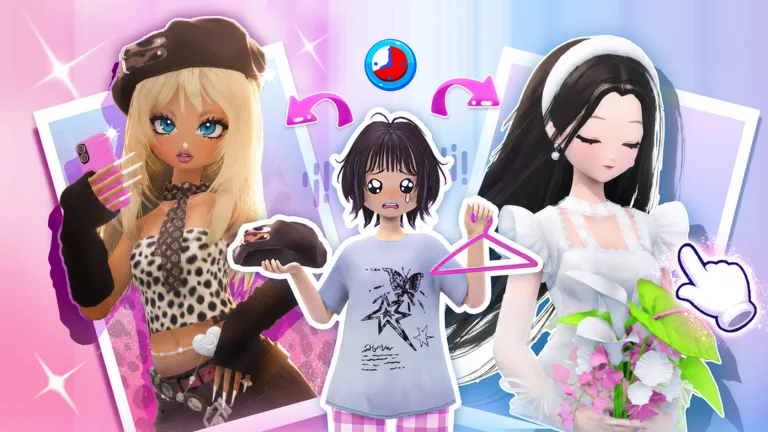
How to Customize Patterns in Prism Runway Show
A print you like doesn’t have to stay its original color. Prism Runway Show pattern customization lets you recolor a design to suit your outfit, including turning patterns brown for a Wild West look. Use that flexibility to connect your clothes and accessories instead of rebuilding your outfit around a print’s starting palette.
Clothing also has separate parts you can color, while material changes let you give pieces finishes such as denim or shimmer. Treat these as separate styling decisions: choose the design, coordinate its colors, then adjust the surface finish.
The pattern selection has expanded through updates:
- Version 2.6’s July 8, 2026 update added 10 new Patterns.
- Version 2.6 also added a Product Preview System for Signature Lines.
Start with the largest visible garment when experimenting. A pattern across your main shirt has more visual impact than a small detail tucked beneath an accessory.
Official page: Prism Runway Show (roblox.com)
Recolor Your Outfit Without Losing Track of the Details
Work through your clothing one piece at a time:
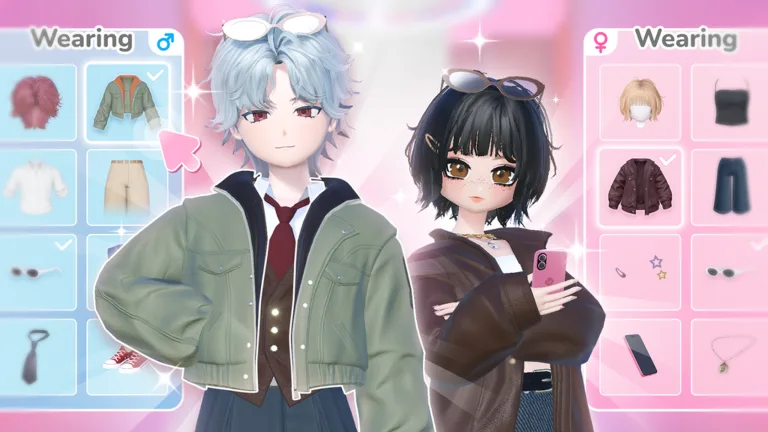 Image: Roblox / LILY & LIFFY
- Choose your main garment. Try the pattern on the shirt, skirt, or other piece that anchors the outfit.
- Adjust its color. For a Western outfit, try recoloring the pattern brown before deciding whether to replace it.
- Check the separate clothing parts. Change the relevant section rather than assuming one color adjustment covers the entire item.
- Coordinate the surrounding pieces. Carry a color from the patterned garment into your belt, hat, or shoes.
- Finish the footwear. Check your shoes before spending your remaining time on extra jewelry or props.
If a design looks awkward across a large shirt, try another pattern on that piece. Keep the rest of the outfit in place while comparing designs so you can see what the change actually does.
Leave hair and makeup enough attention to look finished, but avoid using the whole dressing period there. An elaborate face won’t fix clothing you never had time to color.
Match Your Pattern Choices to the Theme
Use the theme’s description to decide how much detail your outfit needs.
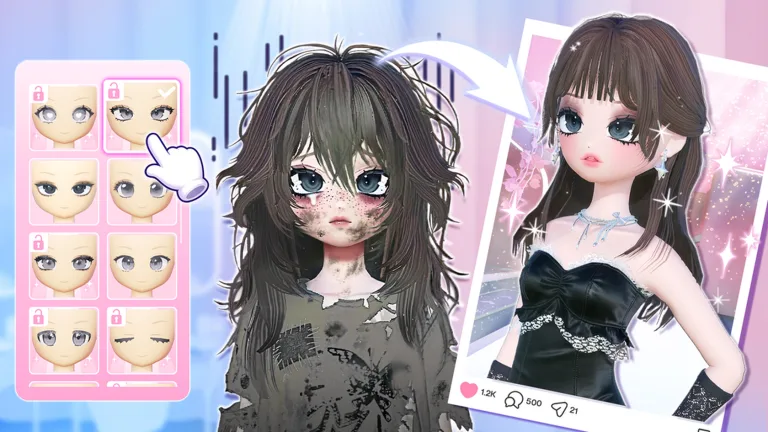 Image: Roblox / LILY & LIFFY
Wild West: Build around a cowboy hat, brown clothing details, and jeans with a denim material. Try a brown pattern on the top, then keep nearby pieces simpler. Remove extras that interrupt the silhouette; knee pads, for example, can compete with the rest of a cowgirl outfit.
Airport look: Follow the comfortable, chic brief with casual clothes, sneakers, and a suitcase. Keep the pattern treatment restrained so the outfit still reads as travel wear. Check the jacket’s shape before committing time to its colors.
Modern chic: Try a coordinated black-and-white outfit and use separate clothing parts to distribute those colors. Let a hat, tie, or bag supply detail rather than putting a different print on every piece.
Formal: Coordinate the fabric finishes as well as the colors. If the bottom of a dress looks shiny while the top looks matte, adjust the material before adding more accessories.
Check Textures and Layering Before the Runway
Denim and shimmer change the character of an outfit even when the colors stay similar. Use denim on jeans for a Western look, or try a shimmering finish when building a formal outfit.
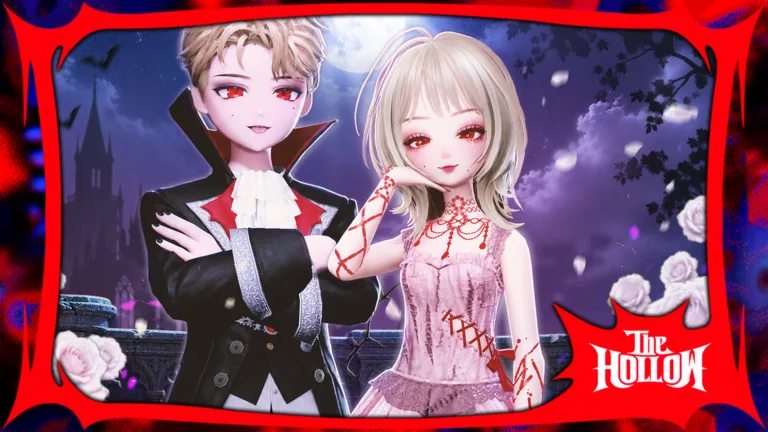 Image: Roblox / LILY & LIFFY
Inspect layered clothing before decorating every section. A jacket can cover your patterned top, a dress can hide a skirt, and jewelry can peek through clothing awkwardly.
Remove a covering item temporarily to see which piece is causing the problem. Then decide whether to keep the visible layer or expose the detail underneath. Spend your remaining time on the parts the runway audience will actually see.
Continue exploring
Prism Runway Show Outfit Ideas for 6 Standout Themes
Explore Prism Runway Show outfit ideas for prom, book club, pop star, birthday, modern chic, and Barbiecore themes, with color, layering, and styling tips.
Prism Runway Show Barbiecore: Pink Outfits and Styling
Build your Prism Runway Show barbiecore look with pink outfit ideas, hair layering tips, makeup choices, and a runway checklist to finish the look on time.
Join the community
Official channels for news, updates and player help: