
Prism Runway Show Tutorial: Style Your First Runway
This Prism Runway Show tutorial covers outfit planning, colors, layering, poses, and voting. Learn how to finish a themed look before the timer runs out.
Jump to
How to Play Your First Round
Don’t let the runway reveal catch you barefoot. This Prism Runway Show tutorial walks you through planning an outfit, customizing its details, and leaving enough time to finish. Read the theme description before choosing your clothes so every part of your look supports the same idea.
Play Prism Runway Show on Roblox, then follow the round’s basic flow:
- Read the theme and its explanation. Your task is to create a matching outfit within the dressing time.
- Choose your main clothing pieces. Establish the look before spending too long on individual details.
- Customize your appearance. Adjust skin tone, hair, makeup, clothing colors, and patterns.
- Add shoes and accessories. Check the whole outfit before the timer ends.
- Present your look and rate other outfits. Use poses during your runway turn, then vote as other players appear.
Use your opening rounds to learn the dressing room’s sections. Knowing where shoes, bags, and props are located leaves more time for styling.
Turn the Theme Into an Outfit Plan
A theme gives you a direction; its description helps you narrow that direction into an outfit. Decide what you’re dressing for before browsing every rack.
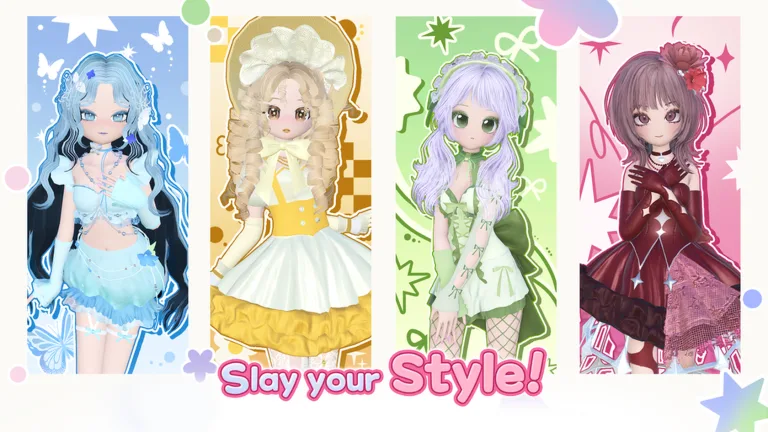 Image: Roblox / LILY & LIFFY
Try these interpretations of themes that appear in the game:
- Prom party: Choose an elegant dress, dressy shoes, and coordinated jewelry. Try navy, purple, red, or black as the starting color.
- Book club: Build a neat, cozy outfit and add a book prop. Try softer makeup and sneakers to support the relaxed look.
- Pop star: Use a bold color, a performance-inspired outfit, and a microphone. Experiment with patterns after the main pieces are equipped.
- Birthday: Try a festive dress, a crown or bow, and balloons.
- Modern chic: Aim for a coordinated outfit with deliberate accessories. Try a restrained palette and inspect how jackets, skirts, and necklaces overlap.
- Barbie core: Choose a specific interpretation, such as school-day styling or an evening outfit, then coordinate pink clothing and accessories around it.
Pick one recognizable theme detail early. A book or microphone can make your interpretation easier to read, but coordinate the clothes around it rather than relying on the prop alone.
Learn Colors, Makeup, and Layering
Customization goes beyond choosing an item. Clothing and accessories can have separate parts to recolor, so select the part you want to change before adjusting its color. Inspect the result instead of assuming the entire item changed.
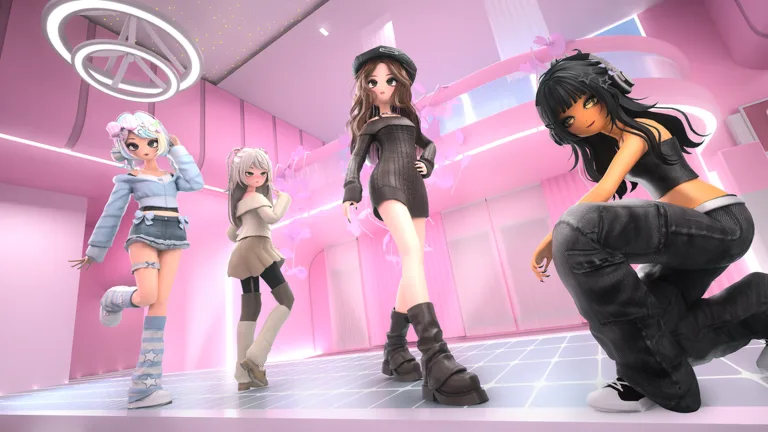 Image: Roblox / LILY & LIFFY
Choose a small palette and repeat it across your outfit. For a purple pop-star look, try carrying purple through the hair and clothing, then use black shoes to keep the remaining choices manageable.
Keep Makeup in Proportion
The makeup options include eyes, brows, eyeliner, lips, blush, and a nose option. Set your skin tone first, then choose makeup colors that work with it.
Check blush alongside your eye makeup. If the area beneath the eyes looks too dark, lighten the blush or change its color before adding more accessories.
Inspect Every Layer
Hair can stack, and clothing can overlap. Try a second hairstyle when you want extra volume, then inspect the back and sides. Remove unwanted hair pieces when switching styles.
Check necklaces, gloves, and skirts after adding outer layers. If a piece disappears beneath another item or pokes through awkwardly, remove it or adjust the combination.
The June 23, 2026 Version 2.5 update changed several useful dressing-room features:
| Feature | Version 2.5 change |
|---|---|
| Shoes and accessories | Display locations renewed |
| Hair and makeup | Item Preview System added |
| DressRoom presets | Saving feature expanded in Main Server and Elite Server |
Locate displays in the room you’re using before committing to a route between sections.
Finish the Essentials Before Polishing Details
Repeatedly changing hair or makeup can leave you scrambling for clothes. Put together a complete outfit before fine-tuning individual pieces.
Use this dressing order:
- Choose your main outfit and color direction.
- Equip shoes.
- Set hair and basic makeup.
- Add a theme-related accessory or prop.
- Adjust patterns, smaller color sections, and remaining details.
Apply an important pattern while choosing the garment. Leaving every pattern until the end creates another set of decisions when time is already short.
Before the reveal, inspect your shoes, visible clothing sections, and any default decorations. Flowers, ties, or other accents can clash with a palette even when the main outfit matches.
Check Prices Before Planning Around an Item
Some selections cost coins, and others can bring up a Robux purchase prompt. Start with pieces you can already equip, then browse purchases between rounds.
Use the hair and makeup previews when considering those items. Save toward a piece you can picture using in several outfits, such as shoes that coordinate with multiple themes.
If an item is locked, replace it promptly during a timed round. Keep the outfit moving instead of spending your remaining dressing time browsing unavailable pieces.
Pose, Vote, and Coordinate a Duo
Use the pose options when your character reaches the runway. Choose a pose that lets your clothes and accessories remain visible.
When voting, consider both the theme and the finished styling. A detailed outfit can still miss the prompt; check whether its clothing, colors, and props communicate the occasion before choosing a rating.
To team up with a friend, use Duo, send a request, and have your partner accept. Coordinate your outfits before getting absorbed in customization:
- Agree on a shared color direction.
- Choose different hairstyles if you want distinct characters.
- Coordinate clothing details or complementary colors, such as blue and pink.
- Plan your poses together for the runway presentation.
Duo partners can walk the runway together. Use that shared appearance to create two looks that belong in the same show.
Continue with
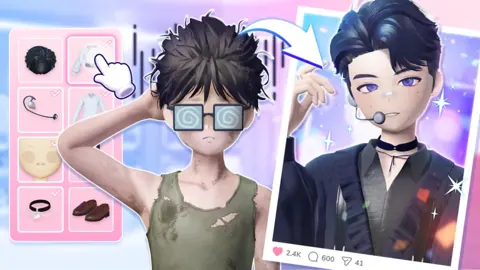 Prism Runway Show Vs Dress to Impress: Key DifferencesPrism Runway Show vs Dress to Impress: compare anime styling, themed runway rounds, outfit customization, and practical tips for your first Prism matches.
More in Guide
See all Guide
Continue exploring
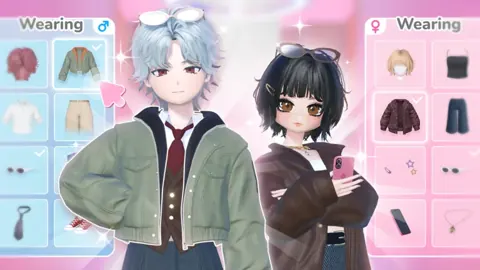
Prism Runway Show Modern Chic: Outfit and Styling Tips
Build a Prism Runway Show modern chic outfit with sleek hair, coordinated colors, smart accessories, and layering tips to polish your next runway look.
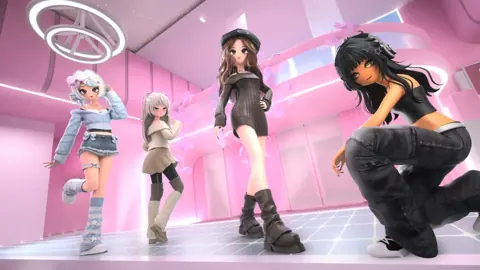
Prism Runway Show Themes: Outfit Ideas for Each Round
Explore Prism Runway Show themes with outfit ideas for prom, Book Club, Pop Star, Wild West, and more. Plan your colors, props, and runway details faster.
Join the community
Official channels for news, updates and player help: